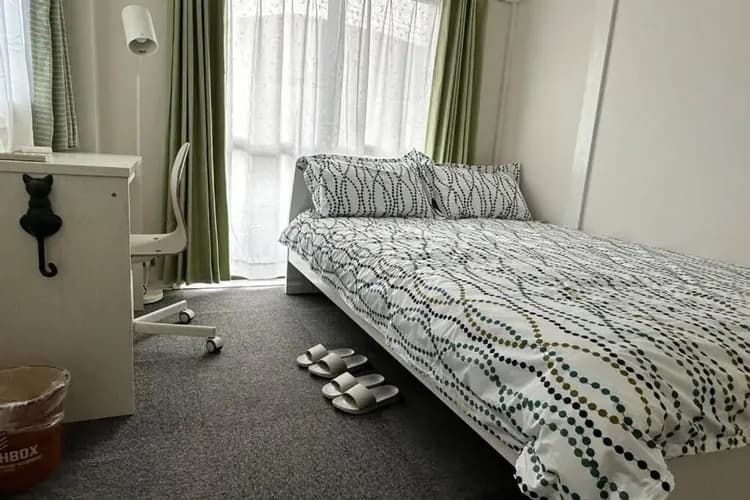
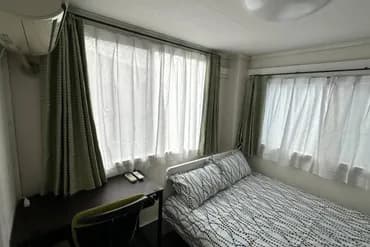
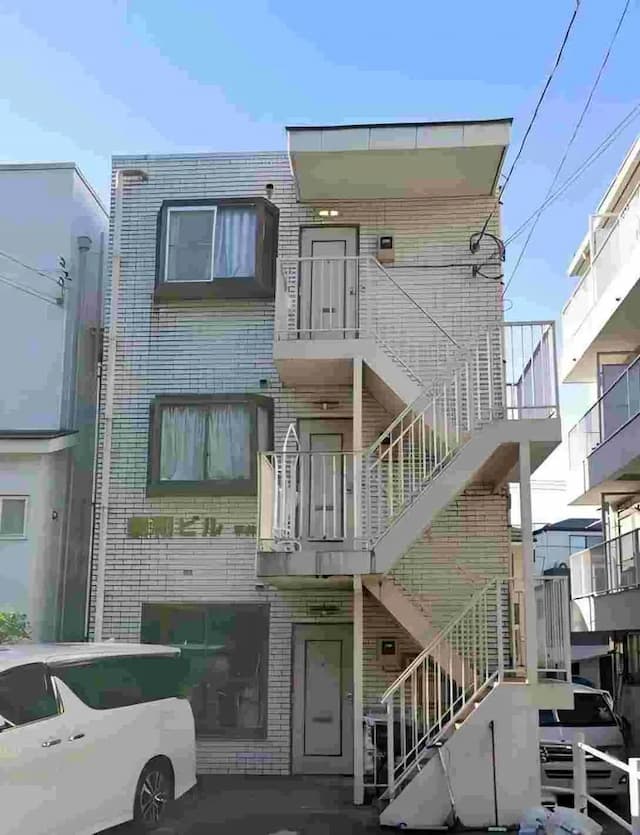
Check-in time15:00Check-out time10:00
Self-check-in instructions
The host will send the self-check-in instructions to the email address provided at the time of booking before your stay. For the self-check-in instructions, please check your email one to three days before your visit. For more information on self-check-in, please see ""
Guest Age Limitation
Guests under the age of 18 are prohibited.
Penalty Fee
Late check-out fee (per hour): JPY 5,000
Invoice / receipt
This accommodation does not provide invoices or receipts.
House Rules
1. Booking & Check-in Rules
① Booking Confirmation
• After the booking is successful, you will receive a confirmation email, which includes check-in information, room password (sent on the day of check-in) and other important matters.
• Please make sure that the contact information you reserved can receive information normally.
• For specific booking change policies, please refer to the booking platform rules.
② Check-in time (Check-in)
• Check-in time is after 15:00.
• Check-in method: self-service check-in, no front desk service, and the room password will be automatically sent after 15:00 on the day of check-in.
• Please use the password to open the door and confirm the check-in information.
• If you do not receive the password, please contact the hotel customer service in time.
③ Check-out time (Check-out)
• Check-out time is before 10:00.
• Check-out steps:
1. Make sure the room is clean and tidy, and sort the garbage and put it in the trash can.
2. Turn off all electrical appliances, lights, air conditioners, etc. to save energy.
3. Check personal belongings and carry valuables with you.
4. You can leave directly without any additional procedures.
2. Things to note during your stay
① Hotel rules
• No smoking: Smoking is prohibited in the entire hotel (including guest rooms, corridors, etc.). • No noise: Please keep quiet in the hotel, especially after 22:00, do not make loud noises to avoid disturbing other guests.
• No illegal behavior: Any illegal activities (such as drugs, gambling, illegal transactions, etc.) are prohibited in the room.
• No overbooking: Only the number of people booked is allowed to check in.
② Room facilities & use
• Wi-Fi: Free Wi-Fi is available. Please refer to the room guide for network name and password.
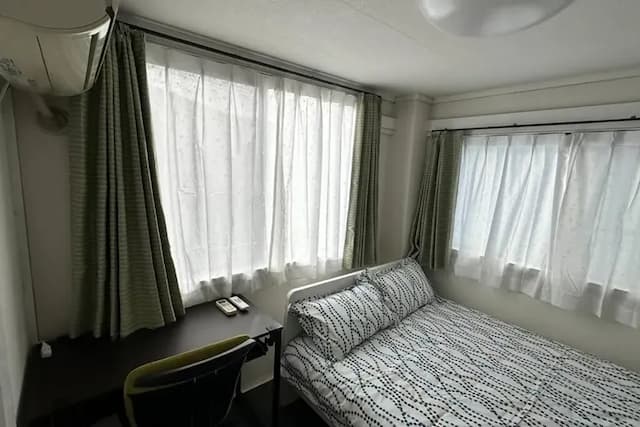
• Air conditioning & heating: Please use the air conditioner reasonably and turn it off when you go out to save energy.
• Home appliances & equipment: Do not use unauthorized high-power electrical appliances to prevent fire.
• Garbage disposal: Please sort the garbage according to the instructions in the room. Garbage removal service will be carried out after check-out.
③ Safety
• Please lock your room door and valuables at all times. The hotel is not responsible for lost items.
3. Cleaning & Facilities
① Room Cleaning
• Daily cleaning service is not provided during your stay.
• Please contact customer service for additional cleaning or replacement of towels, bed sheets, replenishment of consumables, etc. (additional charges may apply).
Additional charges:
• Additional cleaning Cleaning fee 5,000 yen
• Each replacement of bed sheets, towels, replenishment of consumables Fee 2,000 yen
② Toiletries & Amenities
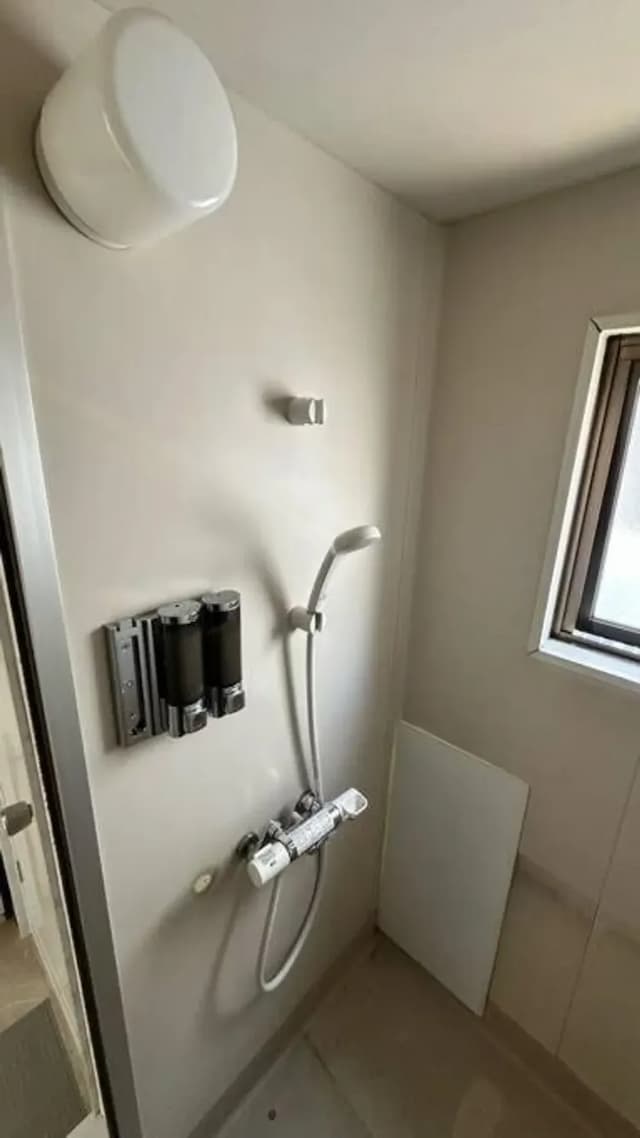
• Basic toiletries (shampoo, shower gel, towels, etc.) are provided in the room.
③ Luggage Storage
• The hotel does not provide luggage storage service. It is recommended to use coin lockers at the station or nearby.
4. Emergency & Contact Information
① Emergency Handling
• Fire & Emergency: Please call 119 immediately and evacuate to a safe area according to the evacuation instructions in the room.
• Problems encountered during your stay: Please contact the hotel customer service in time and we will assist you as soon as possible.
Reminder: All guests have to show passport to verify identity when checking in. Accommodation tax or bathing tax may be charged on-site depending on the city.

 Log in
 Log in